
Back in the days when M365 MTO was in preview, it was possible to add group(s) to the default sync scope – today, the documentation states that if you want to sync groups, “you must configure cross-tenant synchronization directly in Microsoft Entra ID”. It doesn’t say “it is impossible to add groups to the default sync scope” – but clearly implies that this is not supported. Anyways, I’m sharing this cheat, but keep in mind that this is not a supported scenario.
TL;DR
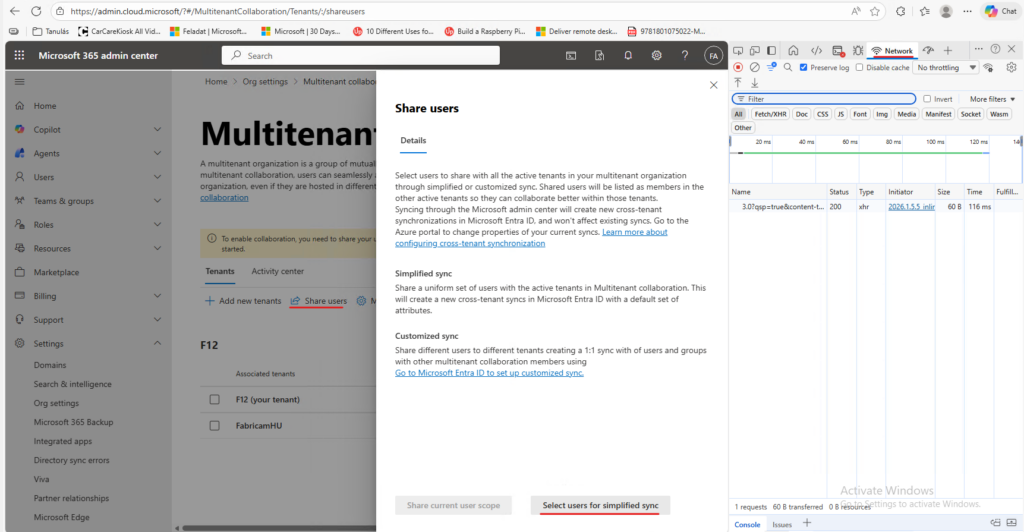
– In the M365 Admin center when you click on “Share users” on the Multitenant collaboration page, an HTTP POST is sent to https://admin.cloud.microsoft/admin/api/tenantRelationships/userSyncApps/assign which contains the userID(s) of the users to be synchronized
– This request can be modified to contain the ID of the group that you want to sync (the JSON node itself is named “userAndGroupIds“, so I guess only the GUI has been restricted to lookup users only 🙃)
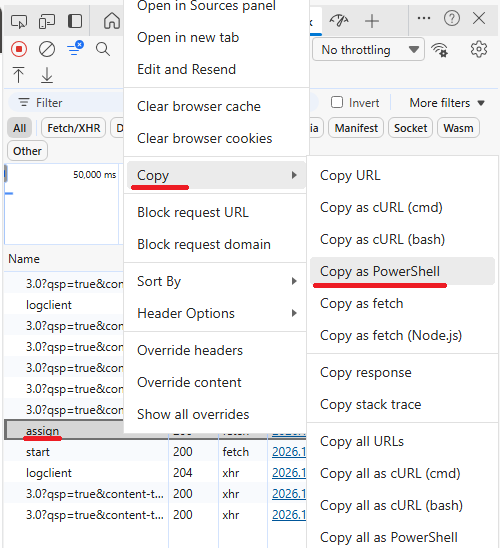
– The cheat is to replay a modification payload (developer tools -> <request> -> Copy -> Copy as Powershell) replacing the required userIDs with the desired groupIDs
The cheat in short
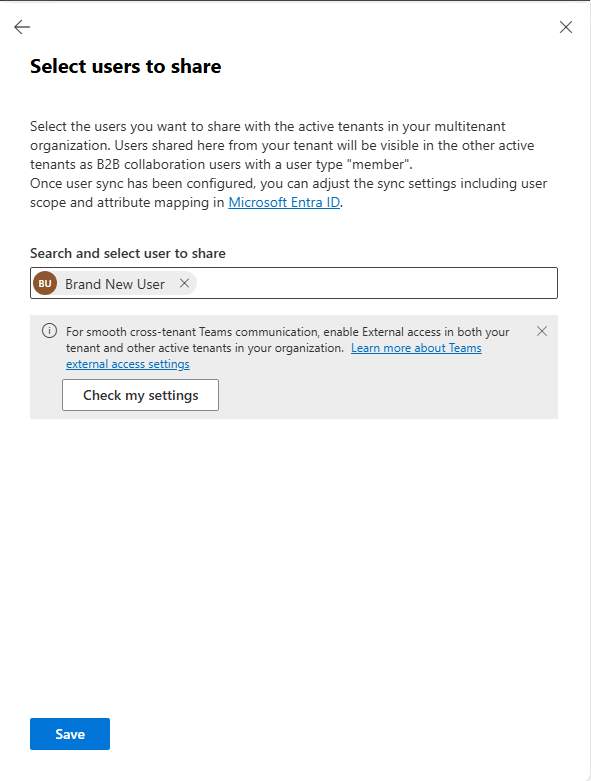
As a first step, you need to add a user to the sharing scope (with developer tools open on the network tab):
Add a user and hit save:
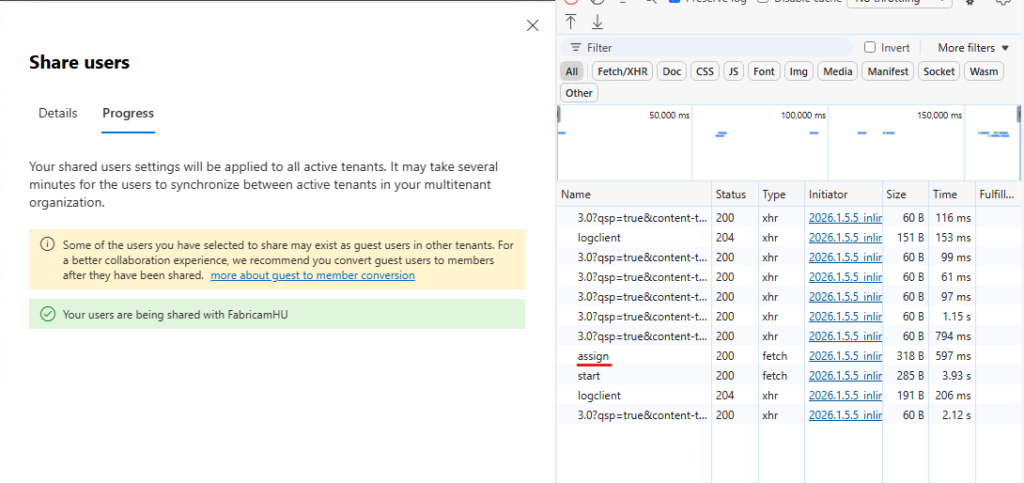
After confirmation, locate the request to the assign endpoint:
Right click – Copy – Copy as PowerShell:
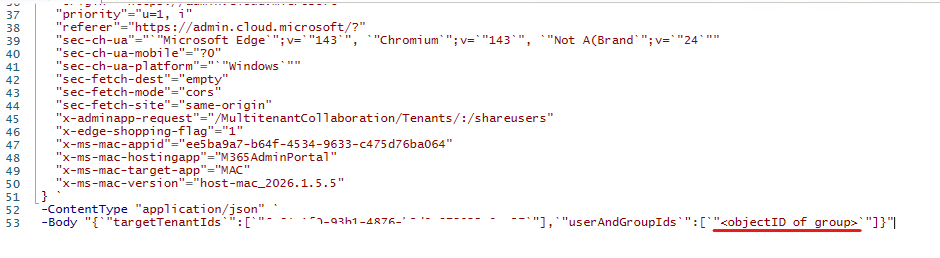
Paste the content into your favorite code editor (like PowerShell ISE), locate the -Body parameter of the request and modify the userAndGroupIds node in the payload (replace the userID with the objectID of the group to be synced) and run the script:
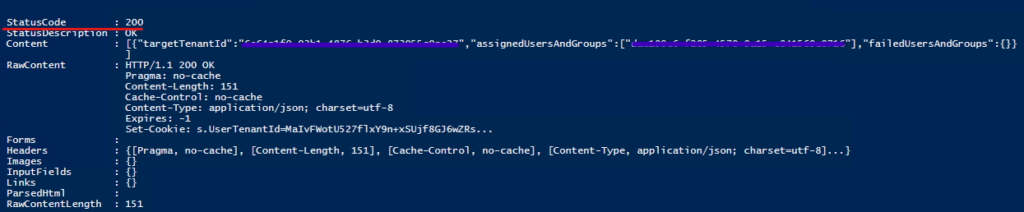
If everything went well, you should receive an HTTP status code 200 (OK):
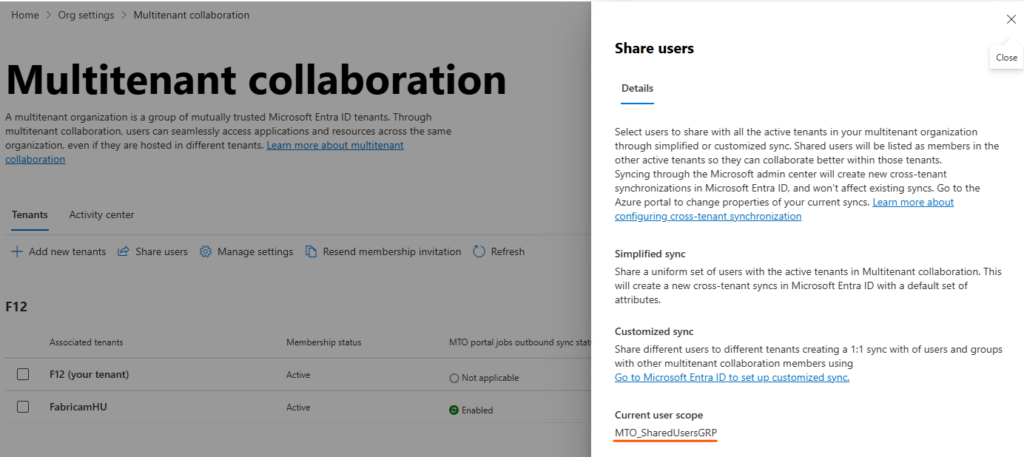
If you go back to the portal, you can verify the result:
Some story and remarks
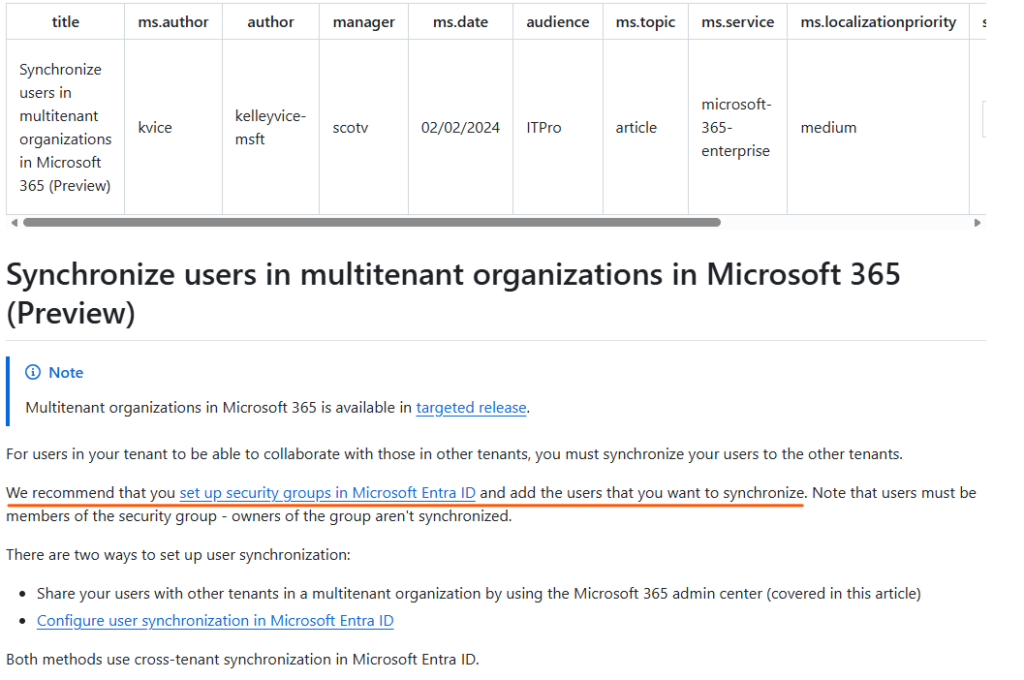
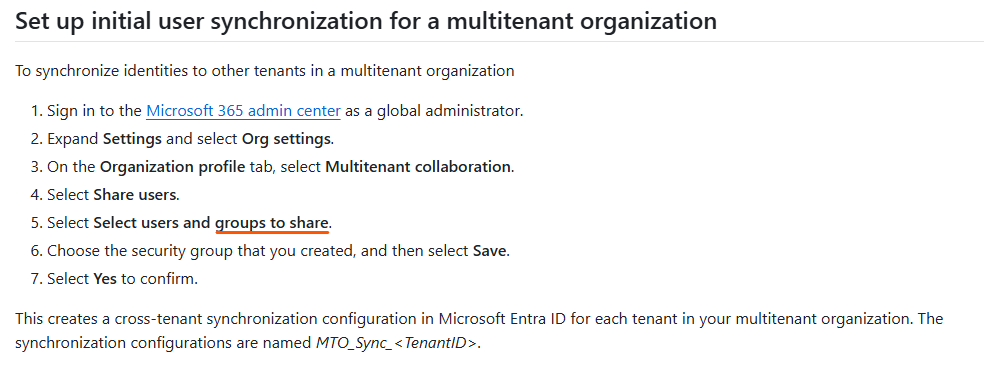
When multitenant organizations in Microsoft 365 was in preview, the documentation recommended to set up security groups in Entra ID and add users to be synchronized:
Now it states that: If you want to synchronize different users to different tenants or use Entra groups to determine which users are in scope for provisioning, then you must configure cross-tenant synchronization directly in Microsoft Entra ID.
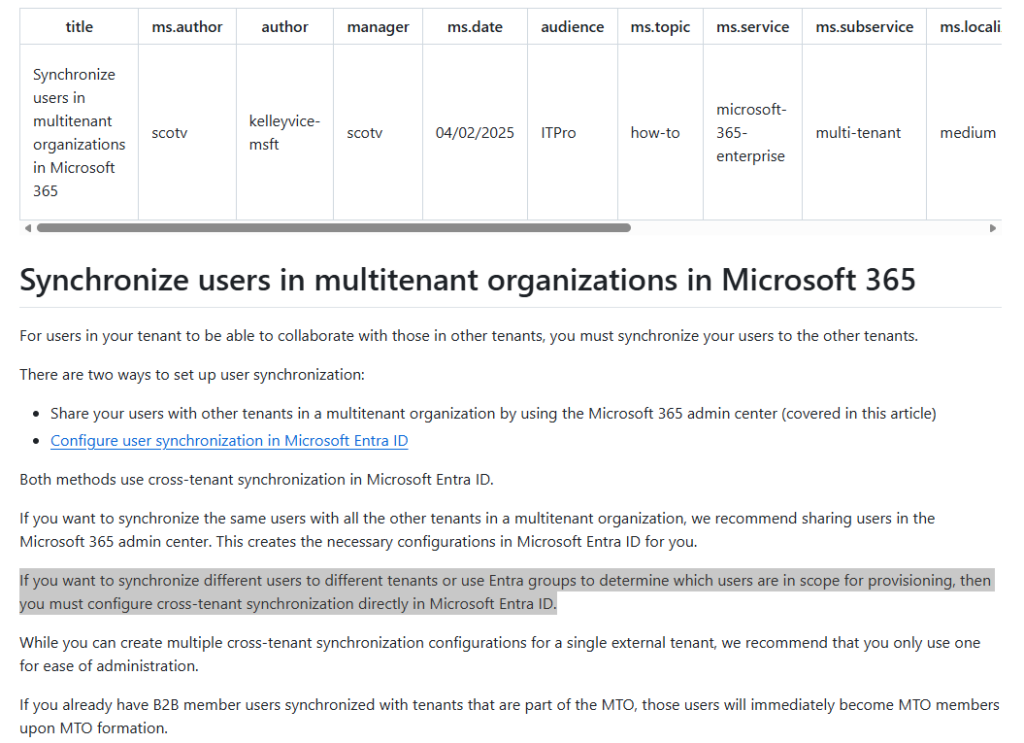
I guess this feature was removed (or at least hidden) to prevent accidental oversharing (make sure you really want to sync this group to a freshly added tenant).
Also, keep in mind that only members of the group are synced, owners are not.
Also keep in mind that this “cheat” uses the authentication cookies from the browser session – some limits may apply (Conditional Access) and the cookies are only valid for the authenticated session (the code is not reusable, try to reproduce the steps within an hour).